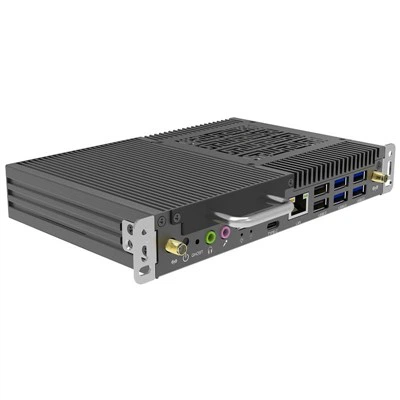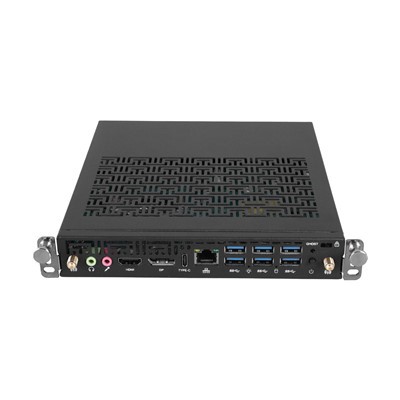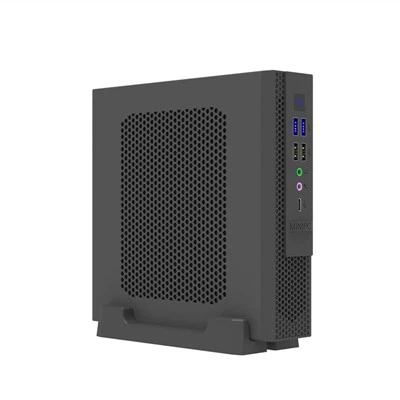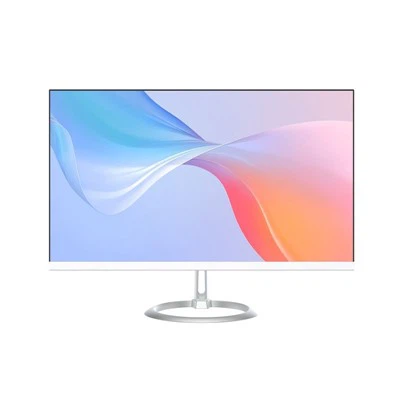

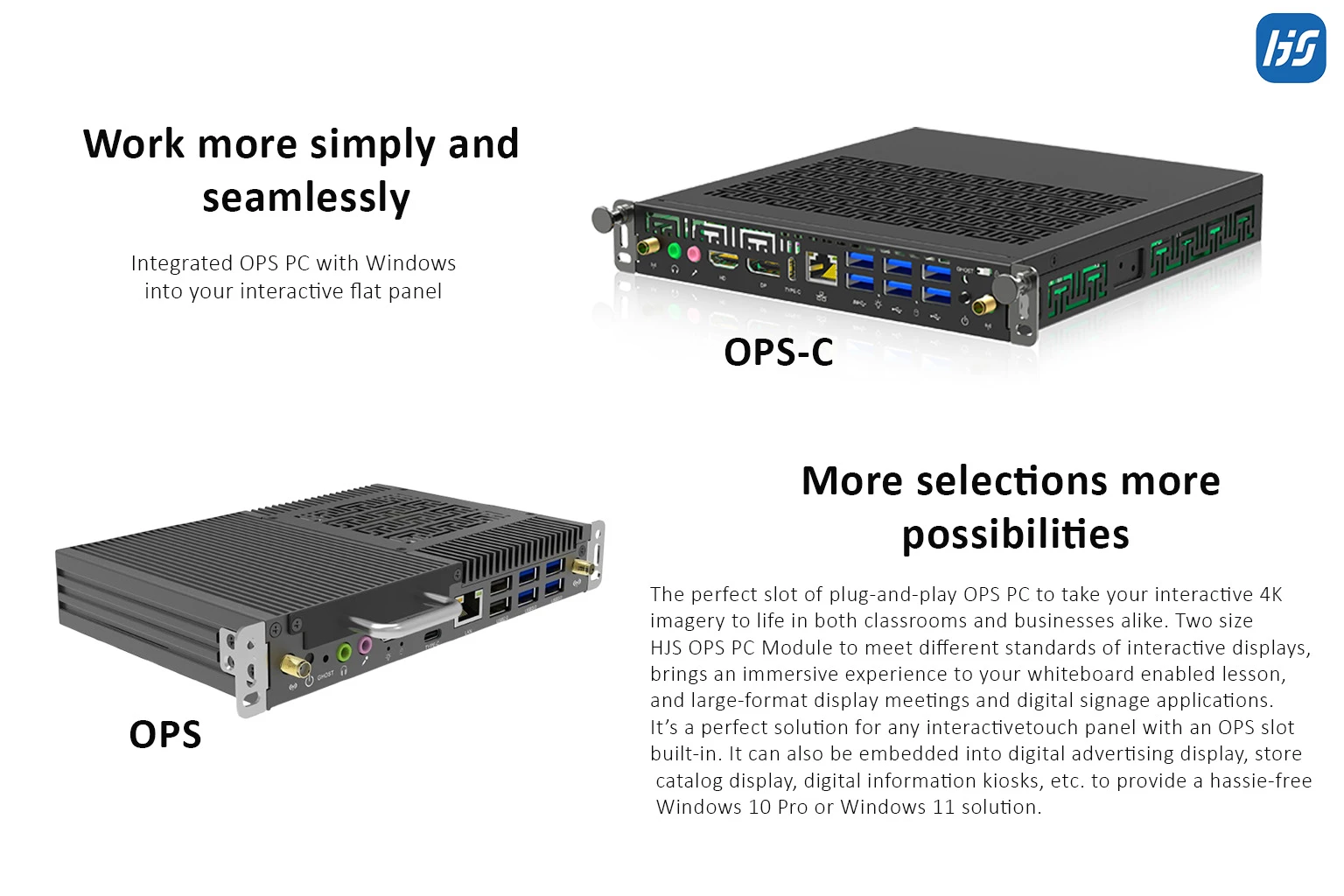
Choosing the right OPS PC is more than selecting the latest processor. The ideal solution depends on your display, application, performance requirements, and long-term maintenance needs.
Whether you're building a smart classroom, deploying digital signage, or upgrading a conference room, selecting the right OPS PC can improve system reliability, simplify maintenance, and reduce operating costs.
In this guide, we'll walk you through the key factors to consider before purchasing an OPS PC.
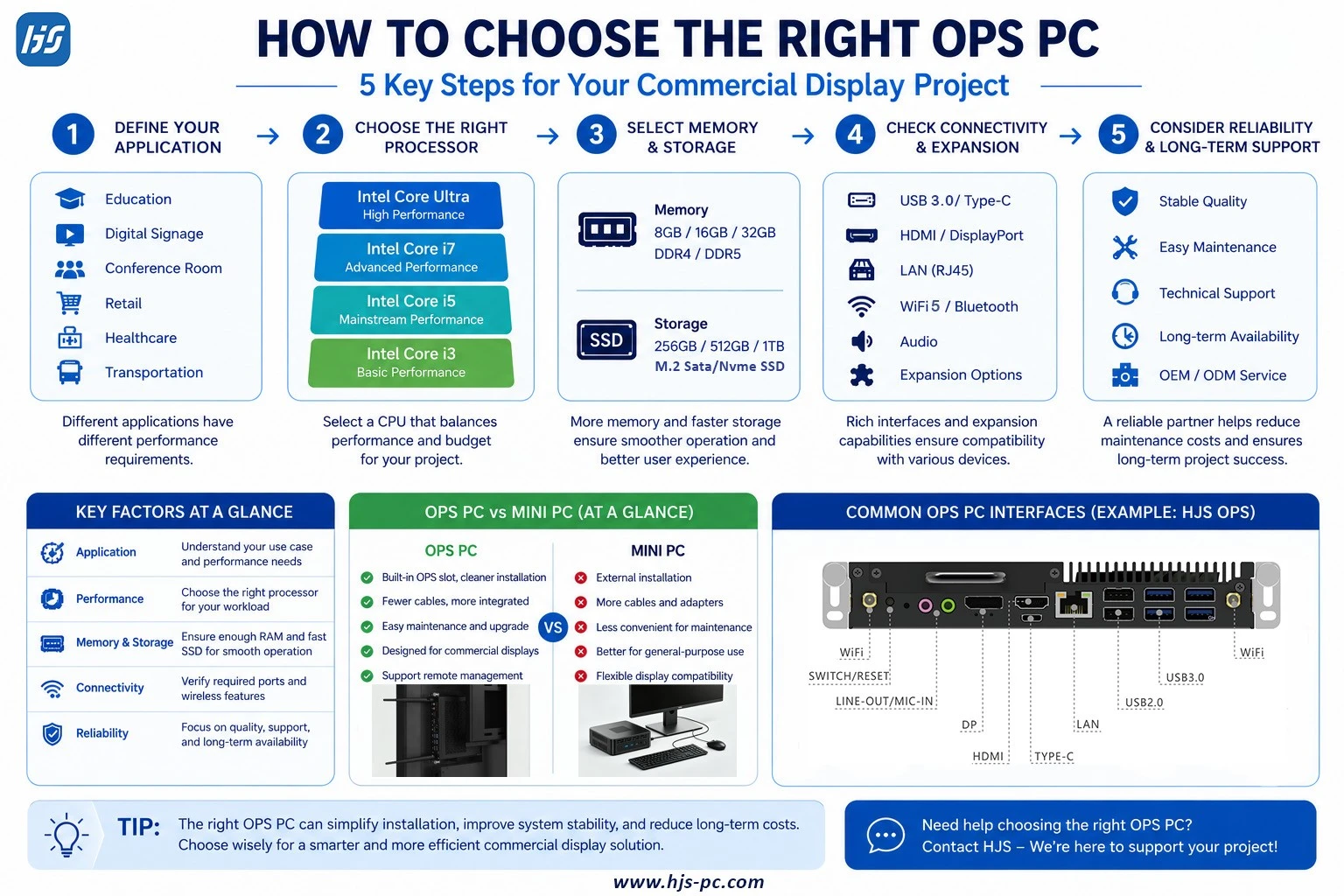
1. Understand Your Application
The first step is to identify where the OPS PC will be used.
Different applications require different levels of performance.
Typical applications include:
- Interactive flat panel displays
- Digital signage
- Conference room systems
- Smart classrooms
- Retail advertising displays
- Healthcare information systems
For example, a digital signage player displaying 4K videos has different hardware requirements than an interactive classroom running multiple educational applications.
2. Check Display Compatibility
Not every display supports an OPS PC.
Before purchasing, confirm that your commercial display includes an Intel OPS slot.
If your display is OPS-compatible, installation becomes much easier, as the computer can be inserted directly into the display without additional power or video cables.
3. Choose the Right Processor
The processor is one of the most important factors when selecting an OPS PC.
General recommendations include:
|
Application |
Recommended Processor |
|
Digital Signage |
Intel Core i3 / i5 |
|
Education |
Intel Core i5 |
|
Conference Rooms |
Intel Core i5 / i7 |
|
Interactive Displays |
Intel Core i7 / Core Ultra |
|
AI Applications |
Intel Core Ultra |
Selecting a processor that matches your workload helps balance performance and budget.
4. Memory and Storage
Most commercial projects require at least:
- 8GB/16GB/32GB DDR4 or DDR5 RAM
- 256GB/512GB/1TB MSata or NVMe SSD
For multitasking or interactive software, 16GB RAM and a larger SSD provide a smoother user experience.
5. Connectivity Matters
A good OPS PC should provide enough interfaces for your peripherals and network.
Common ports include:
- USB 3.0
- USB Type-C
- HDMI
- DisplayPort
- RJ45 LAN
- Audio
- Wi-Fi 5
- Bluetooth
Choosing the right connectivity ensures compatibility with touchscreens, cameras, microphones, and other devices.
6. Think About Future Upgrades
Commercial display systems are long-term investments.
A modular OPS PC makes future upgrades easier because the computing module can be replaced without changing the display.
This helps extend the life of your equipment and reduces maintenance costs.
7. Consider Reliability
Unlike consumer PCs, commercial OPS PCs are often expected to run continuously.
When selecting a supplier, consider:
- Product quality
- Stability
- Technical support
- Warranty
- OEM/ODM capability
- Long-term product availability
Reliable hardware is especially important for schools, retail stores, and enterprise deployments.
Common Mistakes When Buying an OPS PC
Many buyers focus only on processor performance.
However, it's equally important to consider:
- Display compatibility
- Future maintenance
- Expansion requirements
- Long-term availability
- Supplier experience
Choosing the right partner can be just as important as choosing the right hardware.
Why Choose HJS?
With more than 16 years of experience in industrial and embedded computing, HJS OPS PC offers a wide range of Intel-based OPS PC designed for commercial applications.
Whether your project requires entry-level performance or the latest Intel Core Ultra platform, our OPS PC are designed for reliability, easy integration, and long-term support.
Frequently Asked Questions
What processor is best for an OPS PC?
It depends on your application. Intel Core i5 processors are suitable for most commercial display projects, while Core i7 and Core Ultra processors are recommended for demanding workloads.
Can I upgrade an OPS PC later?
Yes. One of the main advantages of an OPS PC is its modular design, allowing easy replacement without changing the display.
Is an OPS PC better than a Mini PC?
For OPS-compatible commercial displays, an OPS PC offers cleaner installation and simpler maintenance. For general computing, a Mini PC may be more flexible.
Conclusion
Choosing the right OPS PC starts with understanding your project requirements rather than simply selecting the highest hardware specifications.
By considering display compatibility, processor performance, connectivity, upgradeability, and long-term reliability, you can select a solution that delivers the best value over its lifecycle.
Whether you're deploying interactive displays, digital signage, or conference systems, the right OPS PC can improve efficiency while reducing maintenance costs.
Contact HJS
Looking for a trusted OPS PC manufacturer?
HJS provides Intel-based OPS PC for education, digital signage, conference systems, and OEM/ODM projects. Contact our team to find the right solution for your commercial display application.