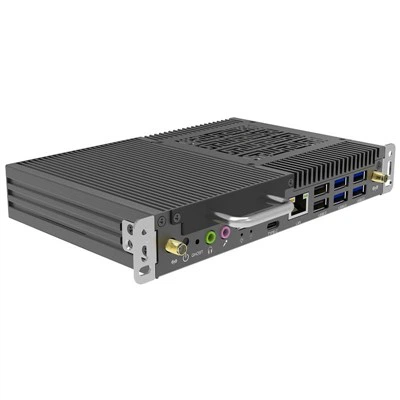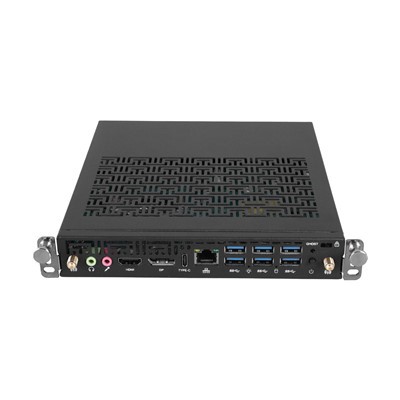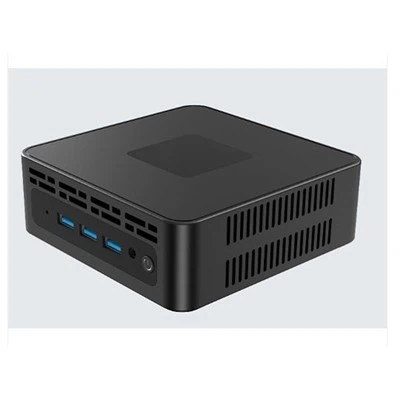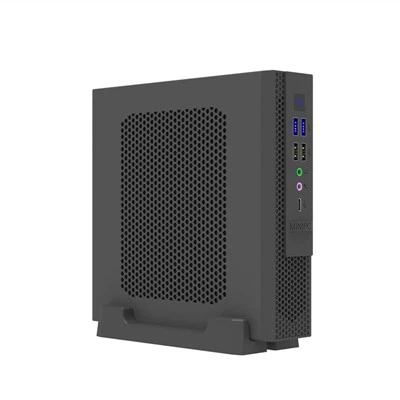

Form Factor: The Deciding Factor for Your Build Direction
An ITX motherboard is like a compact car, measuring a mere 17 × 17 cm, whereas an ATX board is akin to a standard SUV, reaching dimensions of 30.5 × 24.4 cm. This significant size disparity directly dictates your choice of PC case:
ITX requires a compact case, making it ideal for desktop placement.
ATX necessitates a mid-tower case or larger, offering ample room for expansion.
A complete Mini-ITX system can be as small as 5 liters in volume, while ATX systems typically start at 15 liters or more.
The Art of Compromise: Expansion Ports and Connectivity
A large-format ATX motherboard is like a pair of multi-pocket cargo pants:
PCIe Slots: Typically equipped with 3 to 4 slots, supporting multi-GPU configurations (such as CrossFire).
Memory Slots: Features 4 to 8 DIMM slots, allowing for an easy starting point of 64GB of RAM.
Storage Interfaces: 6 to 8 SATA ports plus 3 M.2 slots are the standard configuration.
An ITX motherboard, by contrast, resembles a minimalist backpack:
Features only a single PCIe ×16 slot.
Dual memory slots are the norm.
Typically retains only 2 M.2 slots and 4 SATA ports.
Ideal Scenarios: A Head-to-Head Comparison
For Gamers:
An ITX build is well-suited for 1080p esports gaming, though cooling solutions require careful planning and design.
An ATX build effortlessly handles 4K gaming across triple-monitor setups and accommodates liquid cooling systems with ease.
For Content Creators:
Choose ATX for video editing tasks, as it allows for more efficient multi-drive arrays.
Opt for ITX for office NAS (Network Attached Storage) applications; it is energy-efficient, quiet, and takes up minimal space.